# Accessing via Postman / GraphQL Schema examples
Browse the live GraphQL schema in Postman with your Bearer token, or fetch it programmatically with the gql Python client.
## Postman
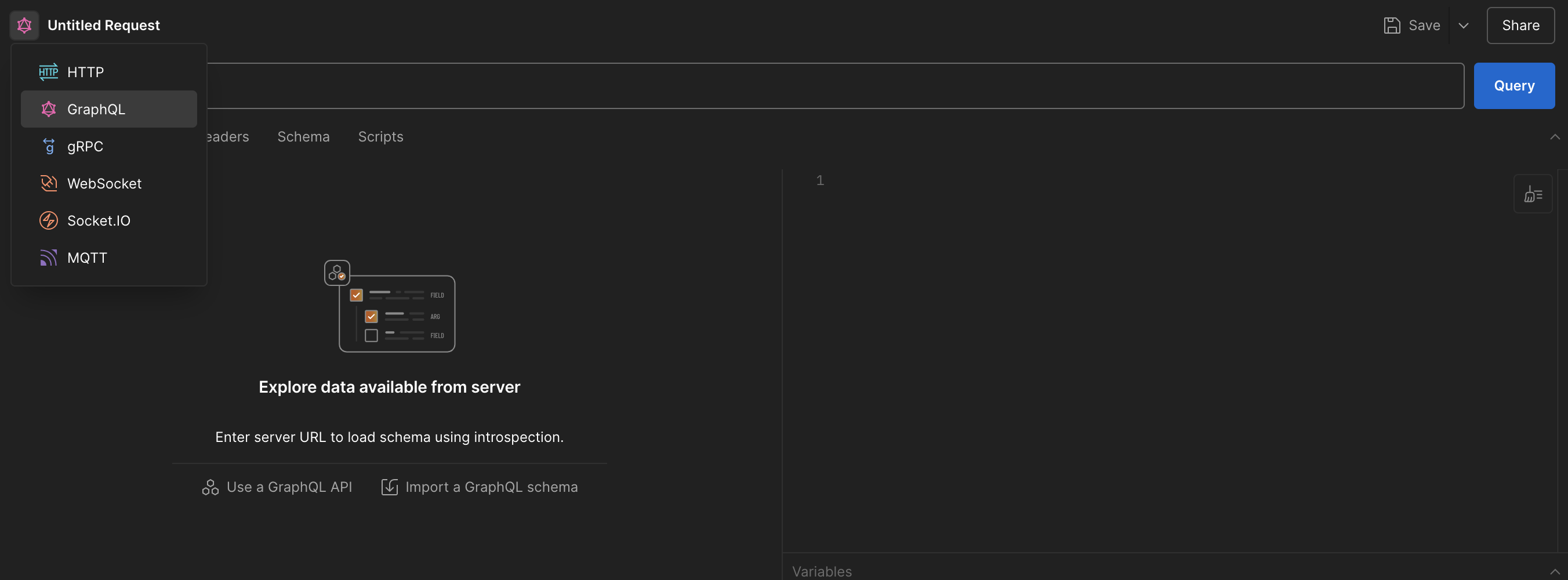
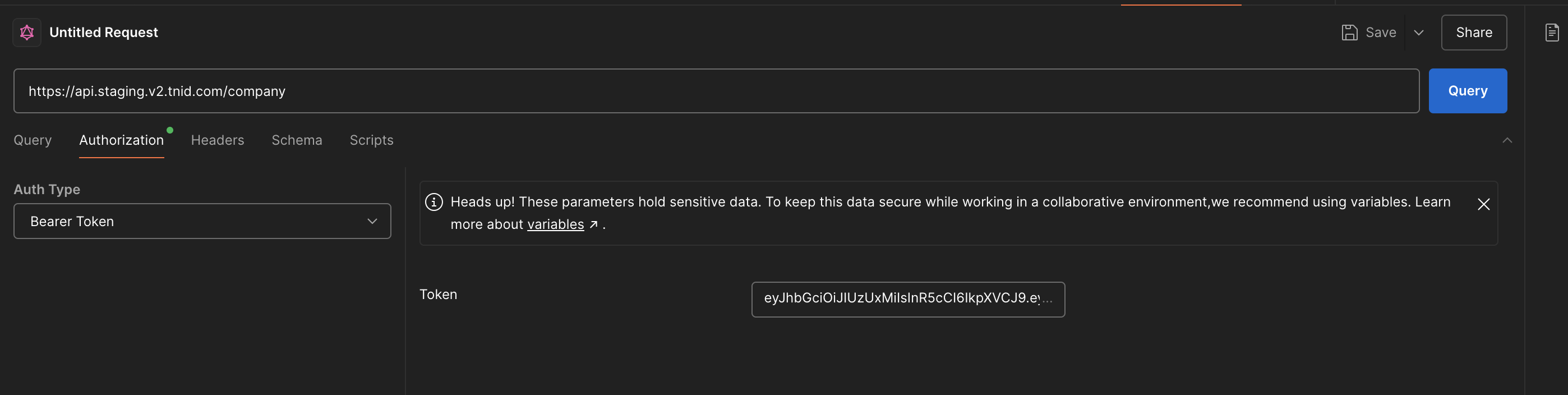
Once you have generated your Bearer token, you can access the GraphQL schema easily using Postman. Simply take your generated token, and create a new request using the GraphQL feature:
Select GraphQL from the dropdown.
Authenticate using your generated Bearer token.
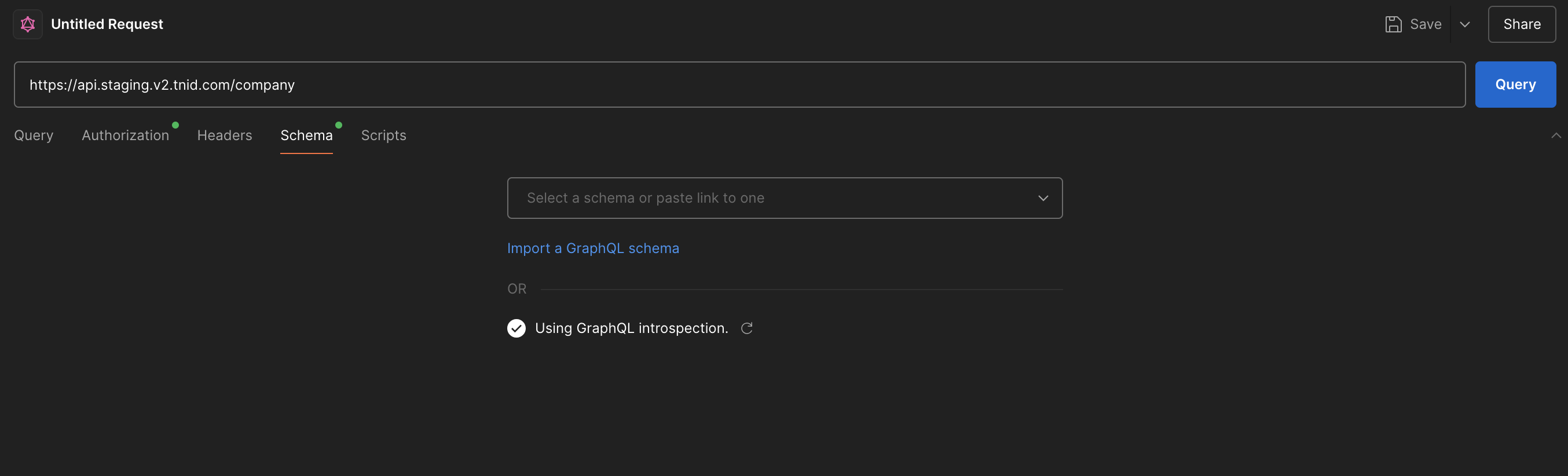
Load the GraphQL schema by entering the URL (`https://api.staging.v2.tnid.com/company` for the company endpoints, or `/user` for the user endpoints), and then press "Use GraphQL Introspection" on the Schema tab.
Press "Use GraphQL Introspection" to load the schema.
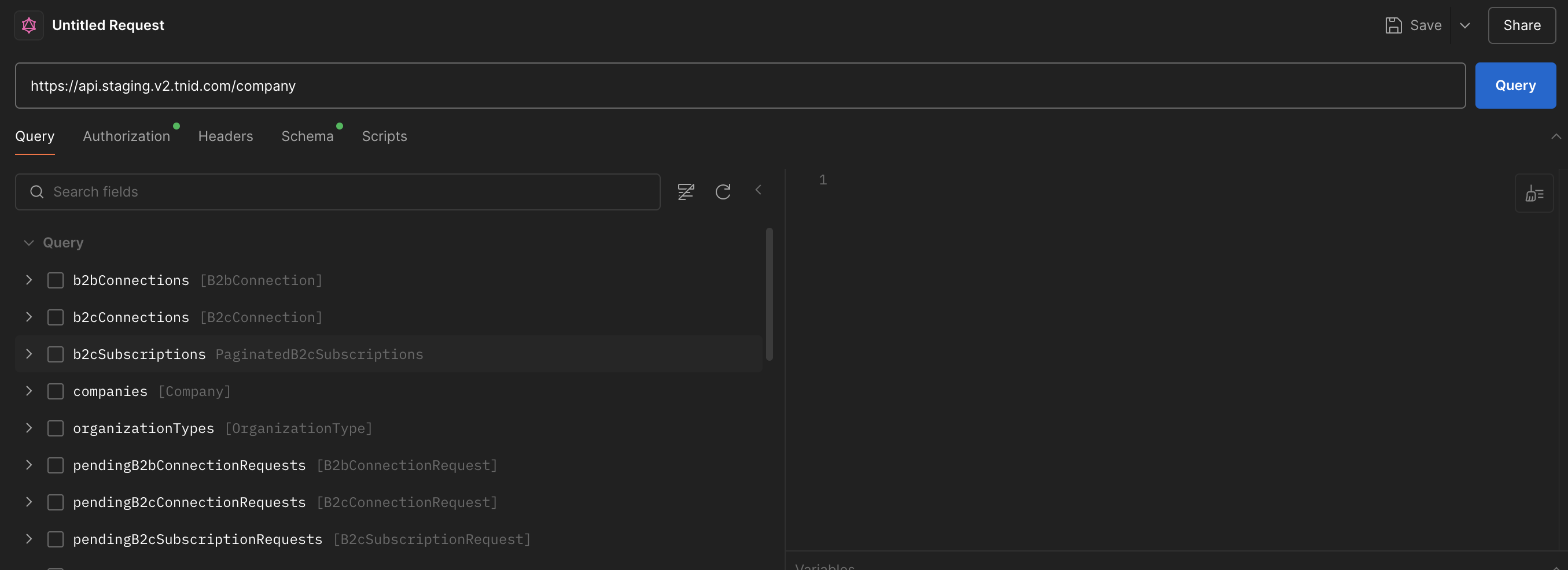
The schema should now be accessible via Postman. A rendered version of the same schema, with request and response examples for every operation, is published in the [API Reference](https://support.tsgglobal.com/docs/tnid/api-reference/001_user.md).
## Example Code to access GraphQL Schema
{% tabs %}
{% tab title="Python" %}
```python
import pprint
from gql import gql, Client
from gql.transport.aiohttp import AIOHTTPTransport
# Please note that this basic example won't work if you have an asyncio event loop running.
# In some python environments (as with Jupyter which uses IPython) an asyncio event loop is created for you.
# In that case you should use instead https://gql.readthedocs.io/en/latest/async/async_usage.html#async-usage
def get_full_company_endpoint_schema(bearer_token):
transport = AIOHTTPTransport(
url="https://api.staging.v2.tnid.com/company",
headers={"Authorization": f"Bearer {bearer_token}"}
)
# fetch_schema_from_transport=True makes gql run the introspection query for you
client = Client(transport=transport, fetch_schema_from_transport=True)
# Any valid query triggers the schema fetch
query = gql("query ($name: String, $limit: Int) { companies(name: $name, limit: $limit) { id legalName } }")
try:
response = client.execute(query, {"name": "schema query", "limit": 1})
print(f"Response OK: {response}")
print("Schema: ")
pprint.pp(client.introspection)
return response
except Exception as e:
print(f"Exception: {e}")
def get_full_user_endpoint_schema(bearer_token):
transport = AIOHTTPTransport(
url="https://api.staging.v2.tnid.com/user",
headers={"Authorization": f"Bearer {bearer_token}"}
)
client = Client(transport=transport, fetch_schema_from_transport=True)
query = gql("query ($limit: Int) { spamReports(limit: $limit) { id } }")
try:
response = client.execute(query, {"limit": 1})
print(f"Response OK: {response}")
print("Schema: ")
pprint.pp(client.introspection)
return response
except Exception as e:
print(f"Exception: {e}")
# Example usage:
token = "your_company_token"
get_full_company_endpoint_schema(token)
# OR
# token = "your_user_token"
# get_full_user_endpoint_schema(token)
```
{% endtab %}
{% endtabs %}